I Shipped My SaaS for 8 Months Without Running a Single Security Scan. Here's What I Found When I Finally Did
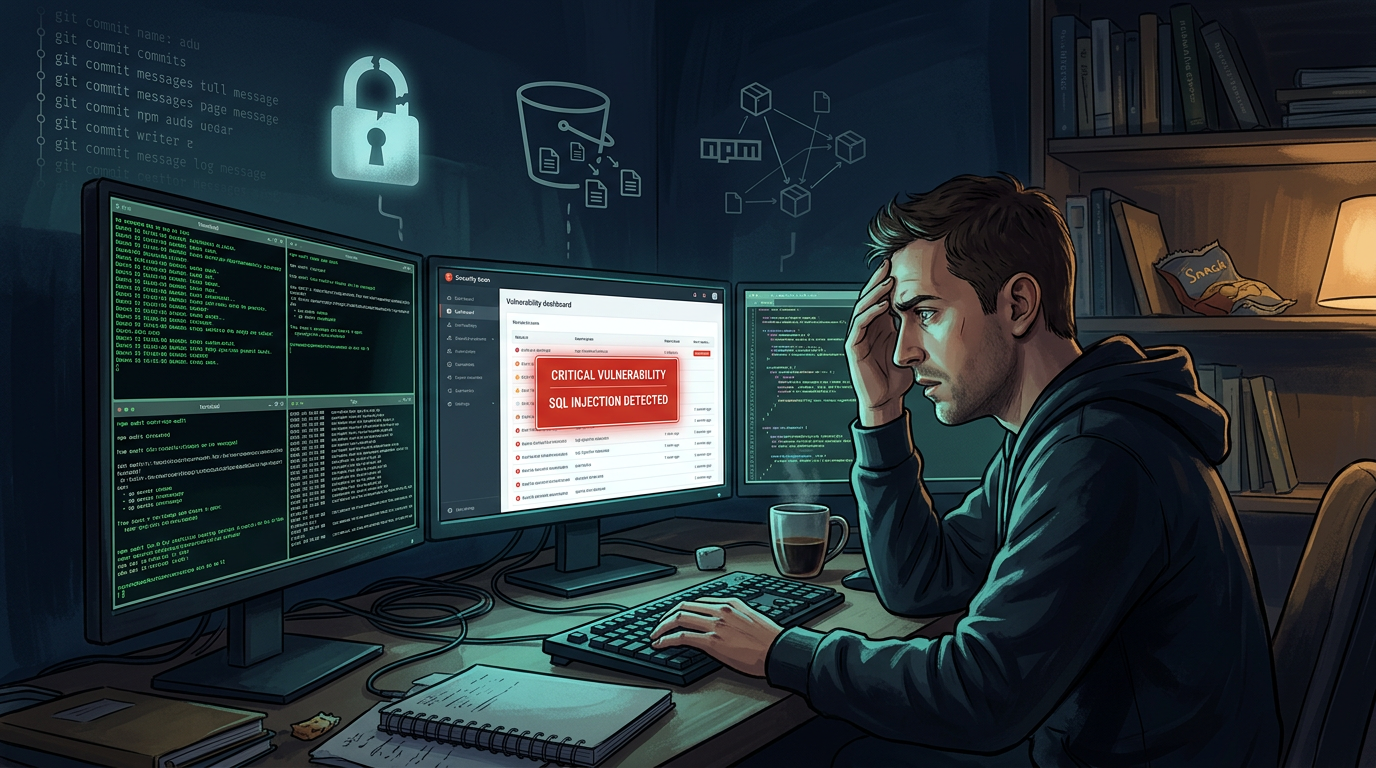
That commit is three months old. That key has been in the history since before you had any users. You might not even remember making it.
This is not an edge case. It happens to almost every developer who has been moving fast and shipping. The solution after the fact is to rotate the credential immediately (assume it's been compromised) and add proper gitignore rules and environment variable handling going forward.
The solution before the fact is running secret scanning as part of your regular workflow so you catch it before it sits in your history for three months.
---
The Prioritization Problem: Why 200 Findings Doesn't Mean 200 Problems
Here's the thing nobody warns you about when you run these scanners for the first time: you might come back with a lot of findings.
SAST alone on an active codebase can surface 50–100 items. Add SCA, DAST, and secret scanning and suddenly you're looking at a number that feels overwhelming.
This is where most developers do one of two things: either they try to fix everything at once (burnout) or they close the dashboard and don't come back (security debt).
Neither is the right move.
The right move is understanding that not all findings are equal, and CVSS scores — the 0–10 severity numbers you'll see on every CVE — are a bad prioritization tool on their own.
CVSS describes the theoretical severity of a vulnerability. It doesn't tell you whether anyone is actively exploiting it against real targets right now.
That's what EPSS does. The Exploit Prediction Scoring System, maintained by FIRST.org, publishes a daily probability score for each CVE — the likelihood it'll be exploited in the wild in the next 30 days.
A CVE with CVSS 9.8 and EPSS 0.04% is dangerous in theory but nobody is currently attacking it. A CVE with CVSS 7.2 and EPSS 22% has active exploit code circulating and real attackers using it right now.
Sort by EPSS. Fix the stuff that's actually being exploited. The purely theoretical high-CVSS findings can wait.
---
What a Realistic Security Habit Looks Like
I want to be real about what's actually sustainable if you're building alone or with a tiny team.
You are not going to do a security audit every week. You're not going to triage every finding immediately. That's fine — that's not the goal.
The goal is a consistent lightweight habit that means you're not building up years of unreviewed security debt.
Here's what that looks like in practice:
Run dependency scanning (SCA) regularly. This is the highest-signal, lowest-noise security activity you can do. New CVEs drop against popular packages constantly. A weekly scan keeps you from being six months behind on a critical fix. It takes five minutes once the tooling is set up.
Run SAST when you're adding significant new features. Not on every commit — on the releases that introduce new data handling, new API endpoints, new user input paths. That's when new patterns that SAST cares about get introduced.
Run DAST against staging before major releases. Set up a staging environment (you probably already have one) and point a DAST scanner at it. An hour of scanning before a major release has caught real vulnerabilities that weeks of code review missed.
**Run secret scanning once on your full history, then maintain it on new commits.** The full-history scan is a one-time reckoning. After that, preventing new secrets from entering history is a much smaller ongoing task.
When you look at findings, group them. Fourteen instances of the same misconfiguration is one fix. A grouped view of your findings — showing you "this issue type appears 14 times across your app" — is dramatically more actionable than a flat list of 200 rows.
---
The Real Reason Most Indie Developers Don't Do This
It's not laziness. I want to be clear about that.
The actual barriers are:
Setup friction. Five separate CLI tools with different installation processes, different output formats, different credential requirements. That's not a 10-minute setup — it's an afternoon of reading documentation, and that afternoon never makes it onto the todo list.
Output overwhelm. When you do run them, the raw output is not built for humans trying to make prioritization decisions. It's built for security engineers who speak CVE-native.
No persistent state. CLI tools don't remember what you saw last time. Every scan is a fresh wall of text with no "this is new since your last scan" context.
No actionability guidance. What do you actually do about a finding? The tool finds it. Whether you should fix it today, deprioritize it, or acknowledge it as an accepted risk — that's a judgment call the tools don't help you make.
These are solvable problems. They're product problems, not security problems. The underlying scanners — Trivy, ZAP, Nuclei, Opengrep — are legitimately excellent. The gap is in the layer above them that makes their output usable for developers who aren't also security engineers.
---
A Quick Checklist Before Your Next Significant Release
Take this, copy it into your notes app, and actually use it:
None of this requires a security budget. It requires the tooling (mostly free and open-source), a few hours the first time you set it up, and a consistent habit of actually running it.
The alternative — finding out about a vulnerability from a user, a researcher, or a breach — costs significantly more than a few hours.
Ship fast. Scan regularly. Fix what's actually being exploited first.